Export Model to PC
- On the scanner, click "Complete" or "Export to"
- Click "PC(USB-C)" and export
- Connect the scanner to a PC using a USB-C cable
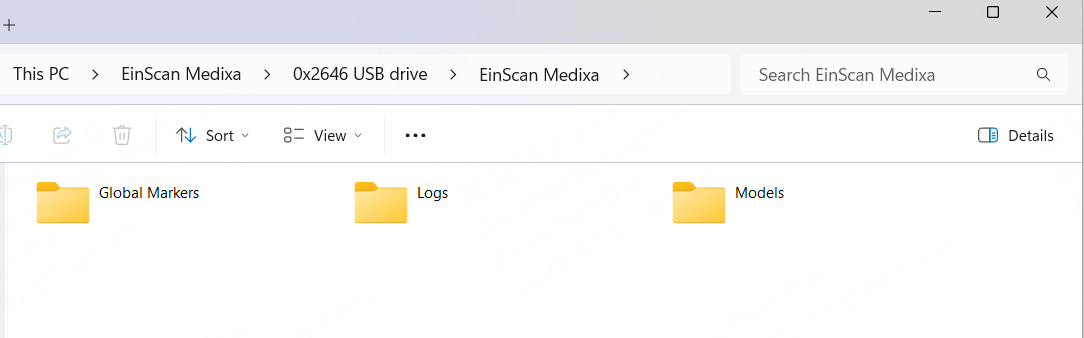
- Open the Windows File Explorer
- Navigate to the device “EinScan Medixa,”
- Find the files under the "Models” folder
- Copy & Paste to PC