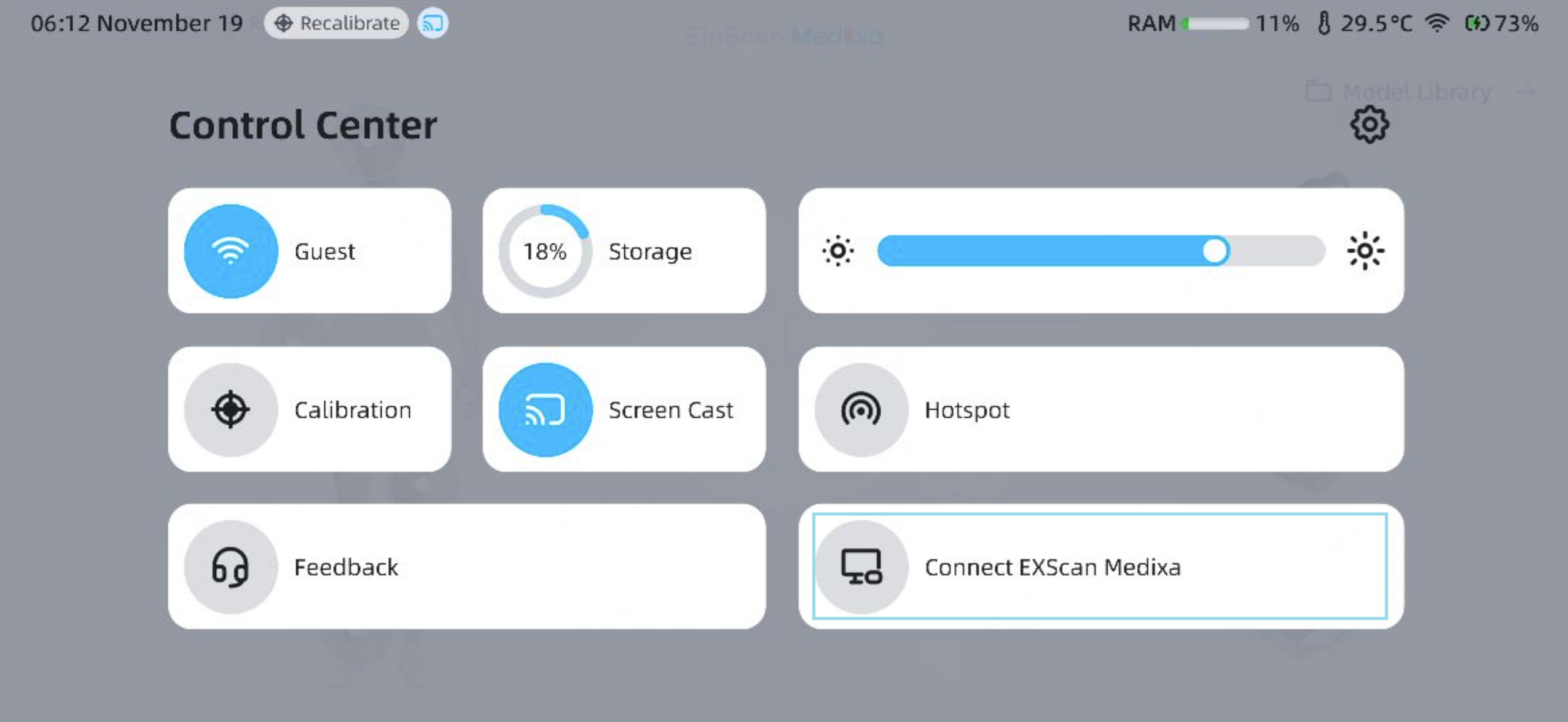
Step1: Swipe down to open Control Center, press Connect EXScan Medixa to enter PC connection mode
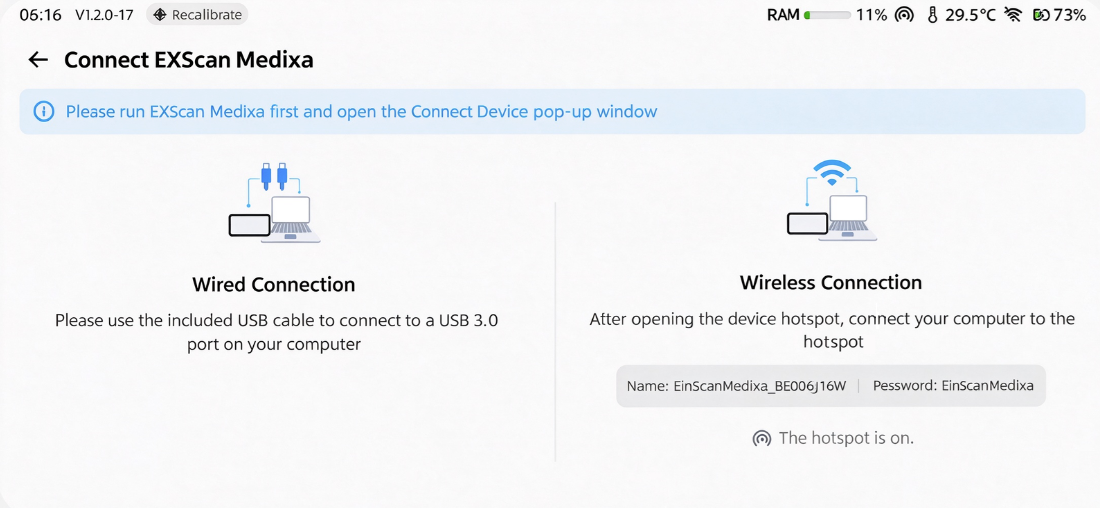
Two connection modes are available
- Wired connection: requires USB connection between the device and the PC
- Wireless connection: through hotspot of the Medixa device. Connection name and password are displayed on this connection page
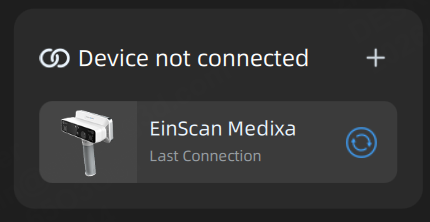
Step 2: Open PC software, and click the "+" sign to add connection
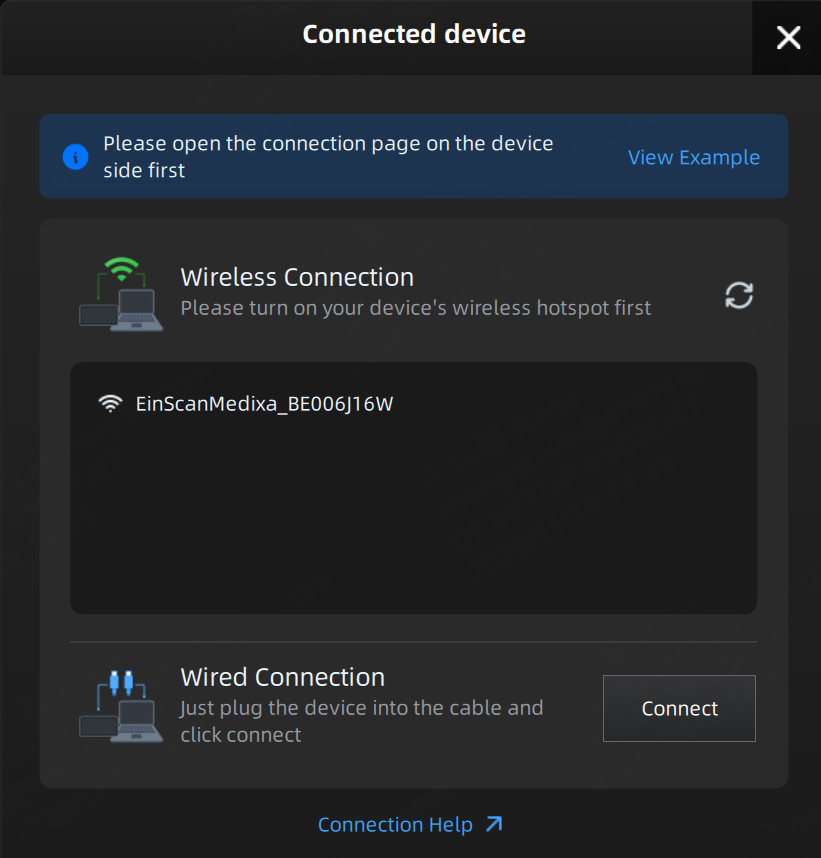
Step 3: Choose the preferred connection method in the pop-up window
- For Wireless connection, choose the device name and proceed to input the password. The password can be found on the Medixa device end
- For the wired option, click Connect button to establish the connection
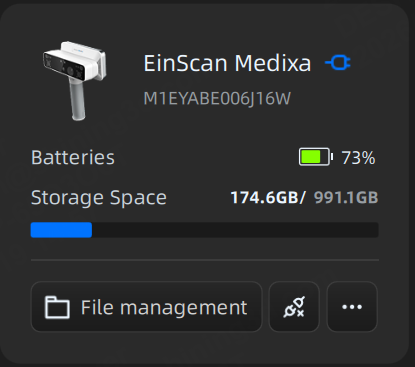
Once successfuly connected to the device, status info will be displayed on PC software